 Djeex
4b90945871
Djeex
4b90945871
- retag+push the same :latest/:X.Y/:X.Y.Z tags to ghcr.io/djeex/lumeex
- create a matching GitHub Release on the Djeex/lumeex mirror, same changelog
  body prefixed with a notice pointing back to the git.djeex.fr source repo
- targets the exact commit SHA (not the branch) with retries, since the
  Gitea->GitHub push mirror can lag behind this job
- requires a new GH_TOKEN secret (repo + write:packages) — not created yet
- first GHCR push per repo will be private by default; GitHub has no API to
  default it public for a personal account, needs a one-time manual toggle

Yet another minimalist, lightweight photo gallery static site generator.
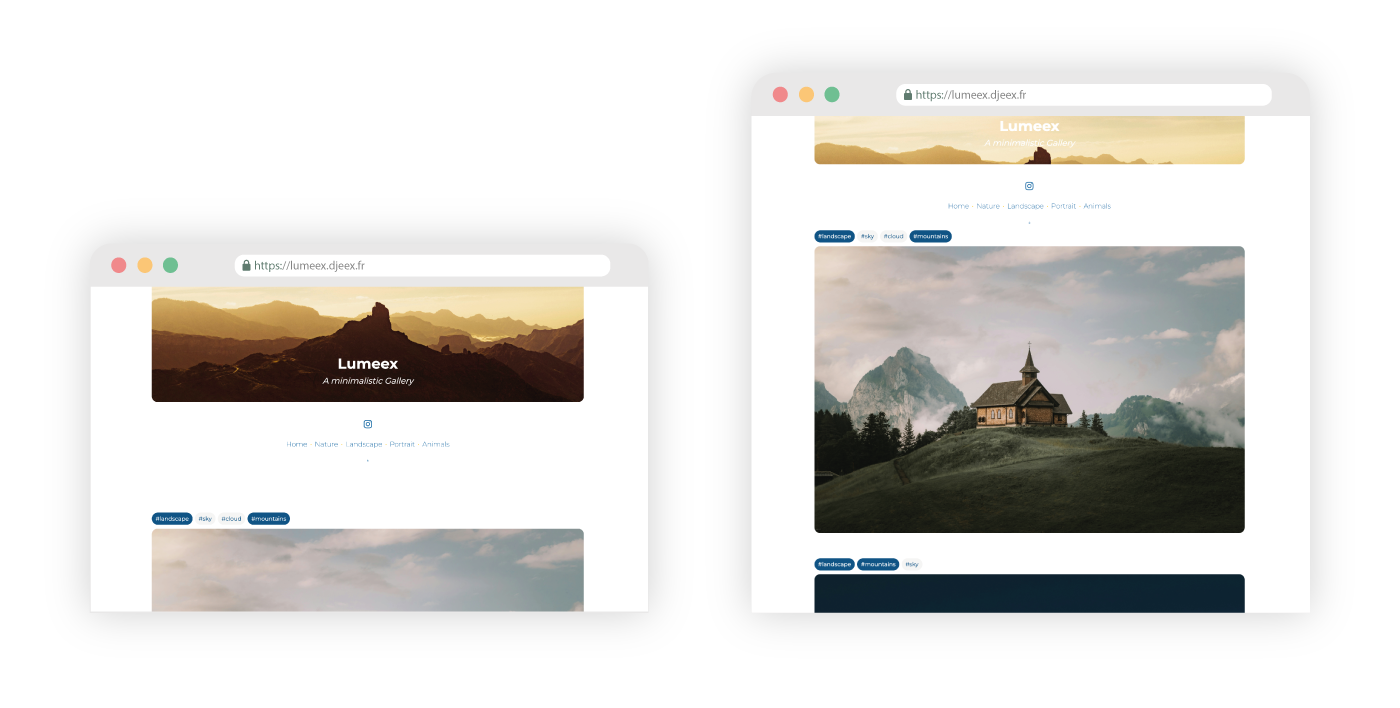
Lumeex is a static site generator designed to create minimalist photo galleries that highlight your artworks over the author. It empowers users to organize and explore images using tags, with each page load presenting photos in a random order to encourage discovery of new content.
👉 Check the online version : Lumeex-web
The project includes two thoughtfully designed themes—one modern, one minimalistic—both crafted to keep the spotlight on your photos:
Note
This GitHub repository is a mirror of the primary source at git.djeex.fr/Djeex/lumeex. The main repository includes the full history and releases.
📌 Table of Contents
✨ Features
Gallery (Static Website)
- Photos displayed in a new random order with every page load
- Tag-based filtering with multi-tag support
- Shareable URLs that retain active tag filters
- Photo carousel on the homepage
- Legal notice page included
- Two customizable visual themes:
- Supports Google Fonts and locally hosted fonts
No-Code Builder (WebUI Manager)
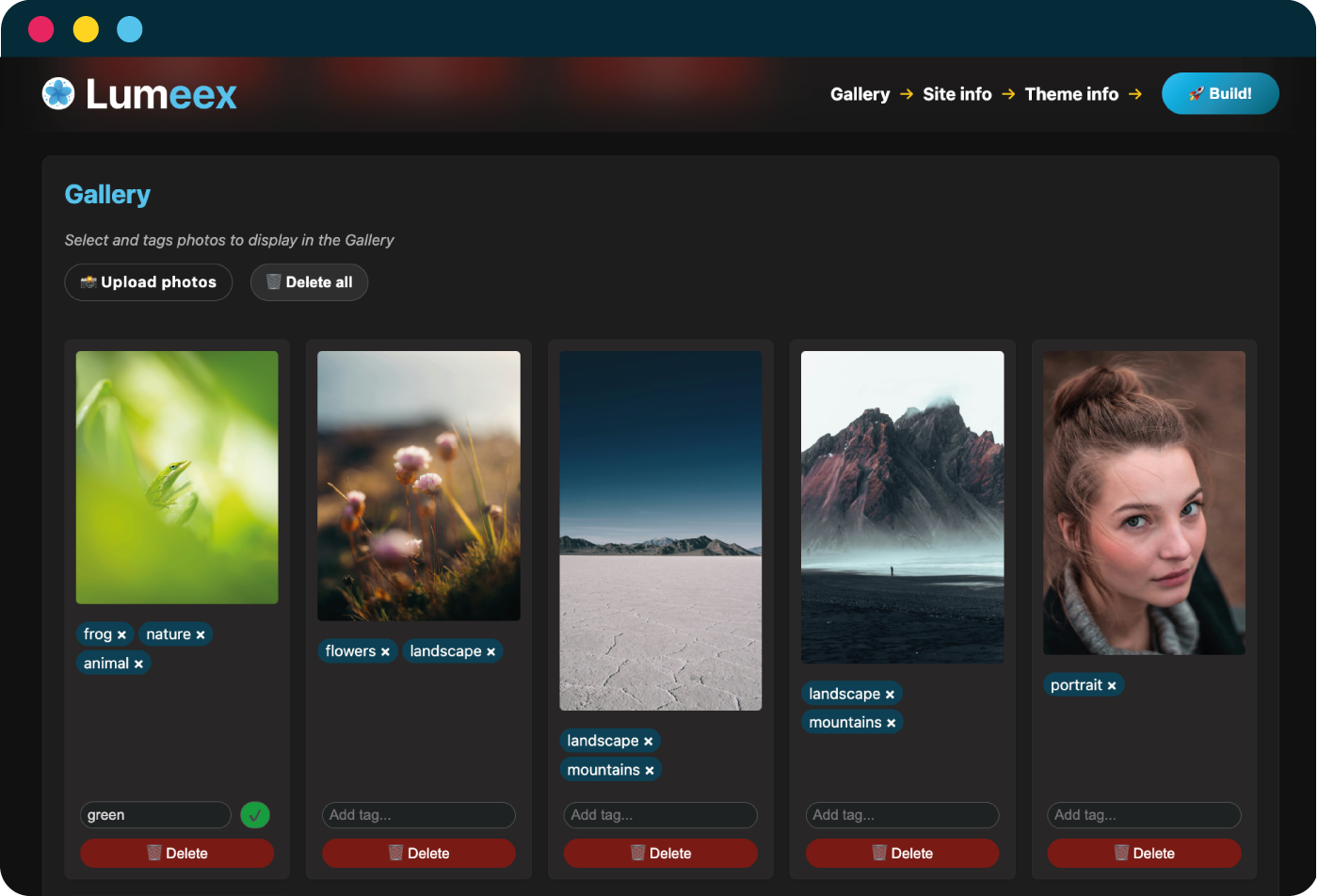
- Configure site info, SEO, colors, fonts, and more through a simple convenient WebUI
- Add and tag your photo photos without any coding required
- Converts favicon automatically to all required formats
- Resizes social sharing thumbnails
- (Optional) Automatically resizes photos to a maximum width of 1140px
- (Optional) Converts images to WebP format for optimized performance
- Build your static site in one click and get a zip archive or an output folder, ready to deploy to your preferred webserver
Don't want a WebUI ?
- CLI process is documented
🐳 Docker or 🐍 Python Installation
For comprehensive documentation on installation, configuration options, customization, and demos, please visit: https://lumeex.djeex.fr